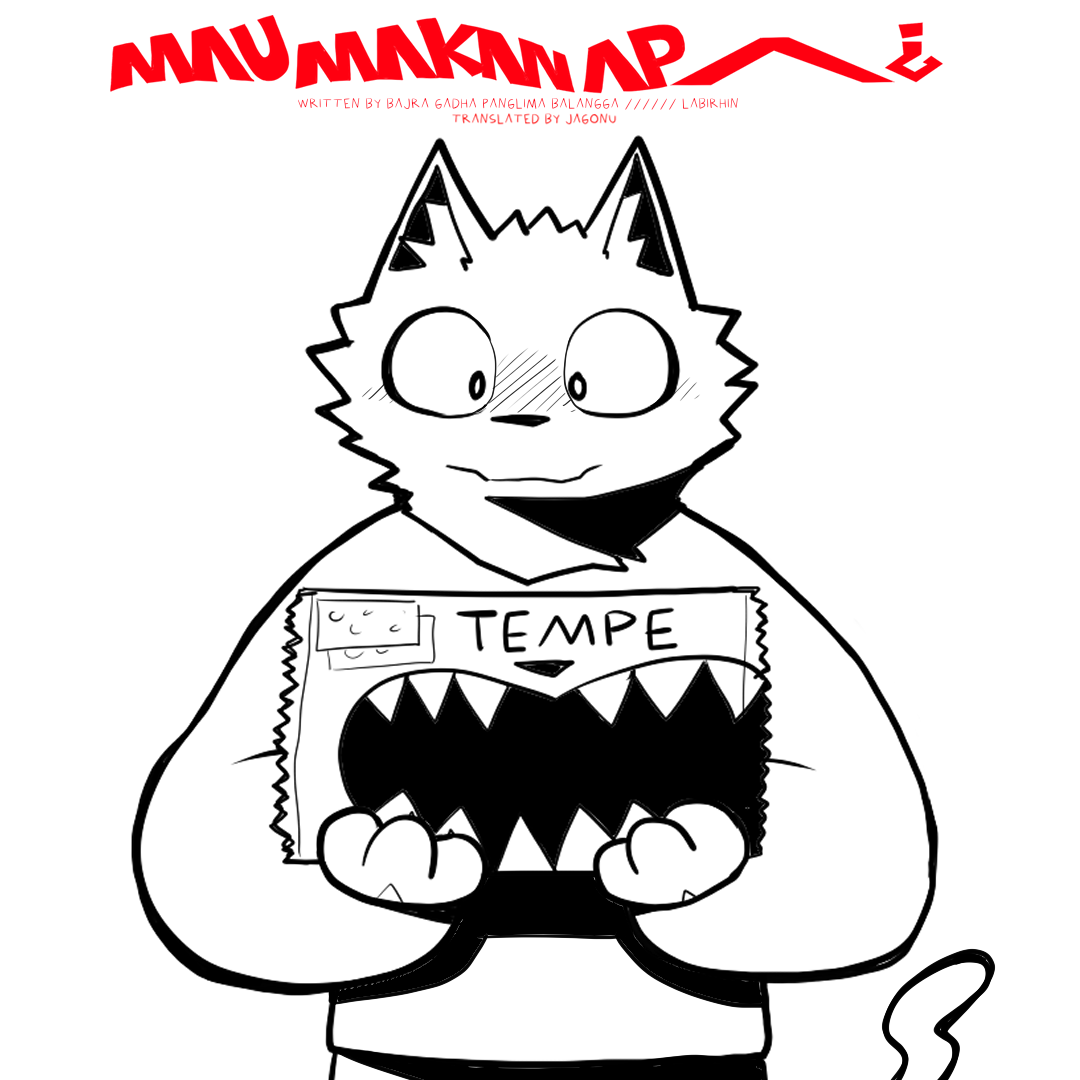
Mau Makan Apa
English · EP1
Display Settings
Page View
Background
Page Fit
How to Read
👆
Swipe left or right, or tap the edges of the page to move forward or back.
🖱
Click the arrows on either side, or use the buttons in the bar below.
⌨
Use the Left and Right arrow keys to change pages.
⚙
Open Display Settings to switch between split and single page view, or change the background.
☰
Use the menu button to jump to a page or switch episodes.